
Objective
You have been asked to create a proof of concept showing how Azure users and groups are created. Also, how role-based access control is used to assign roles to groups. Specifically, you need to:
- Create a Senior Admins group containing the user account of Joseph Price as its member.
Step 1: Login to the portal
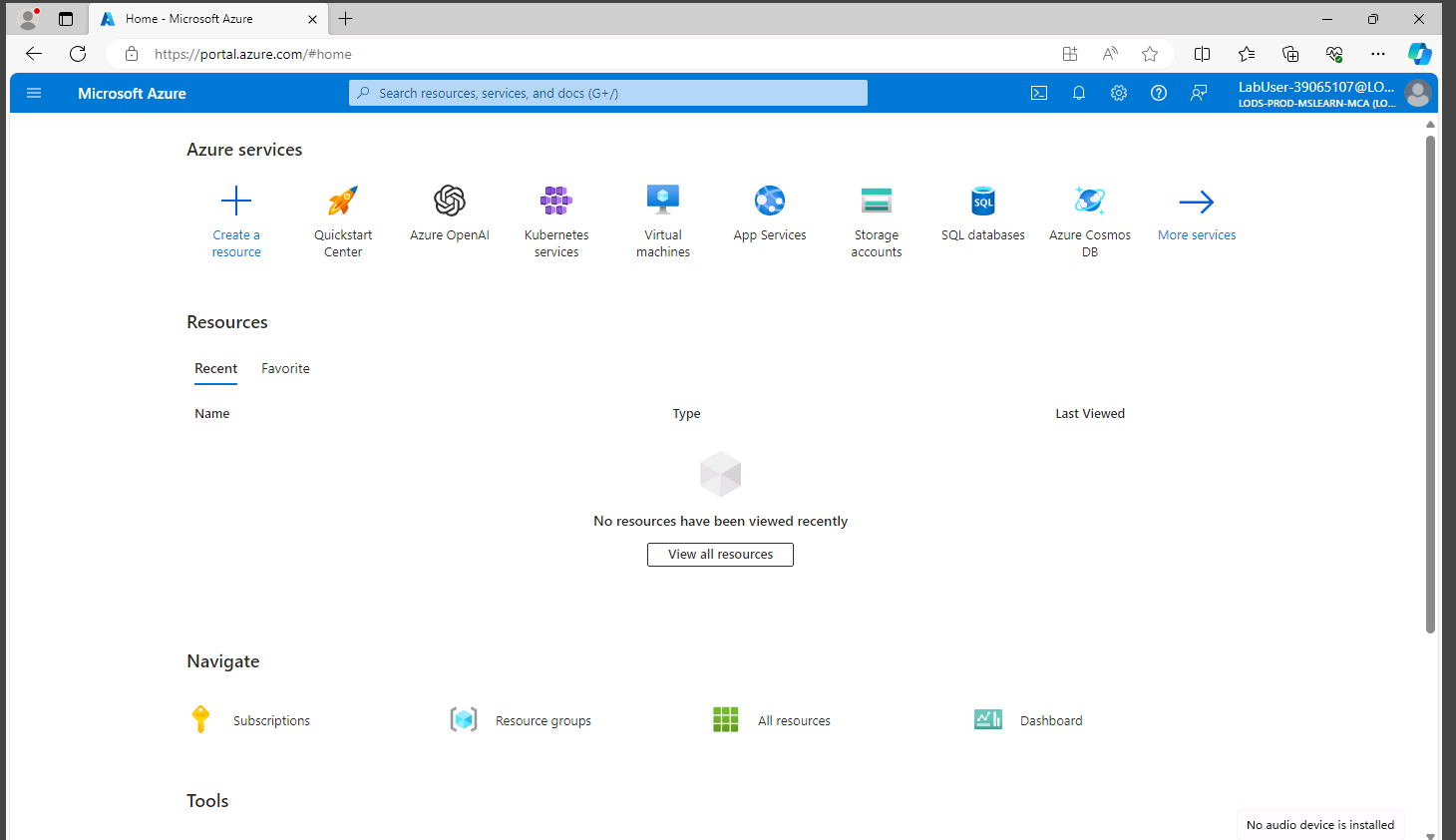
Step 2: Go to Microsoft Entra ID and click on add user
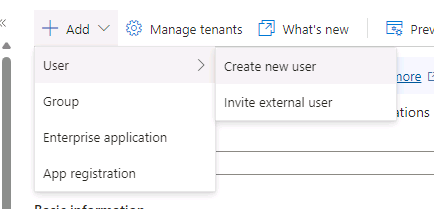
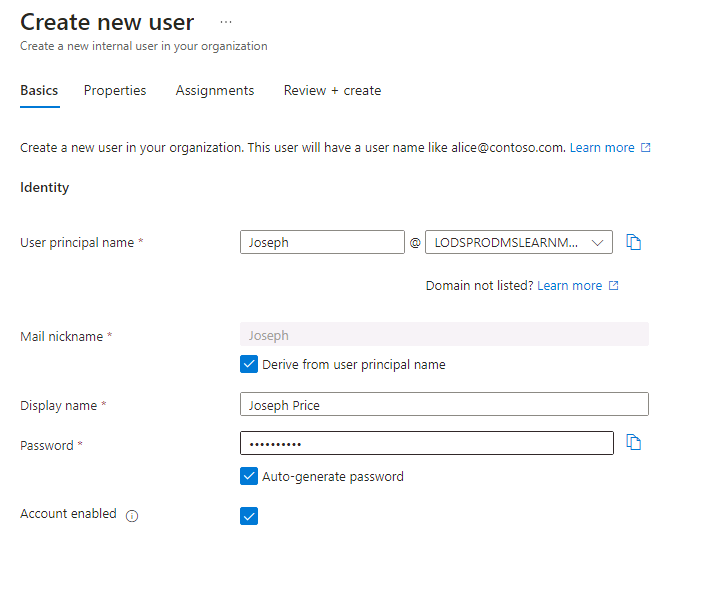
Step 3: Fill the form
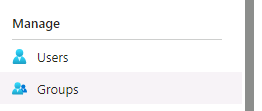
Step 4: Create group
Step 5: Fill form and click on create
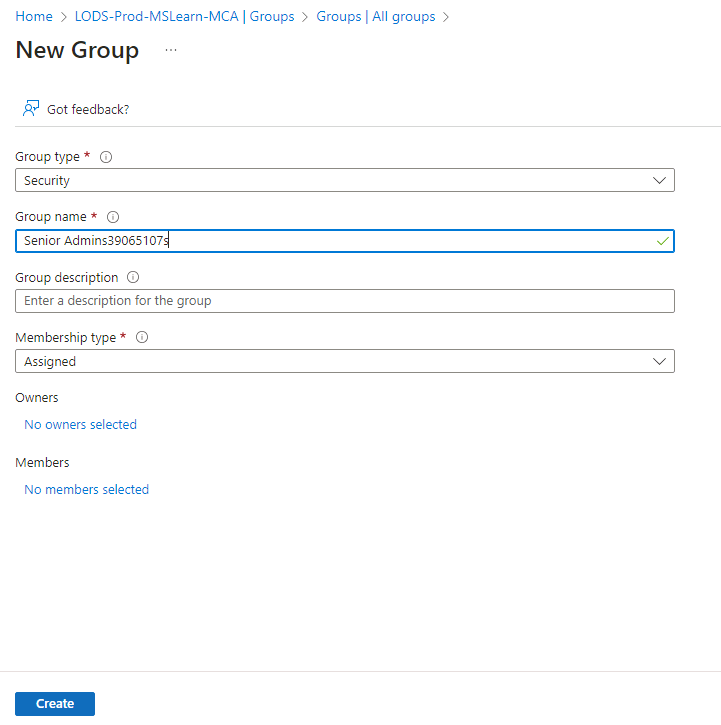
Step 6: Add owners and similarly add members


- Assign the Virtual Machine Contributor role to the Senior Admins group.
Step 1: Go to Resource Group
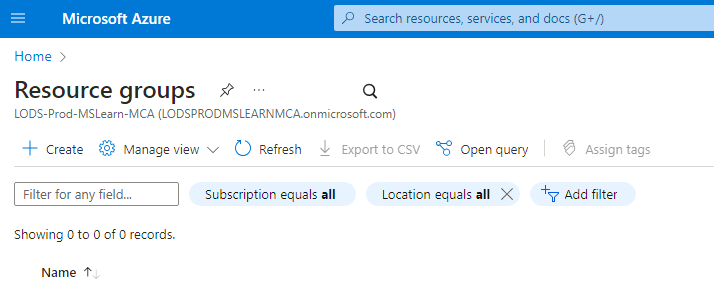
Step 2: Fill the form and click on review + create
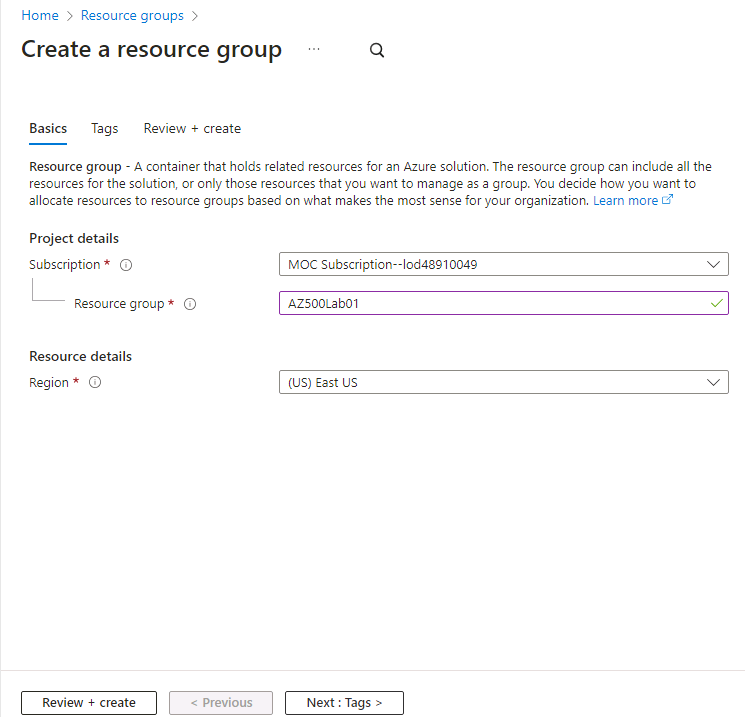
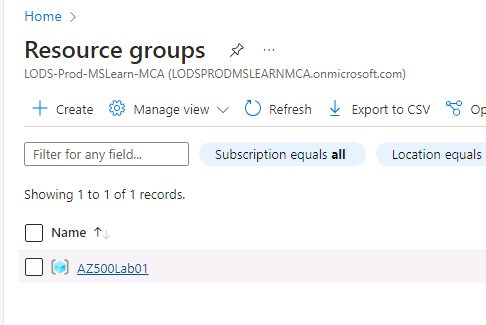
Step 3: Assignment of role to a resource group
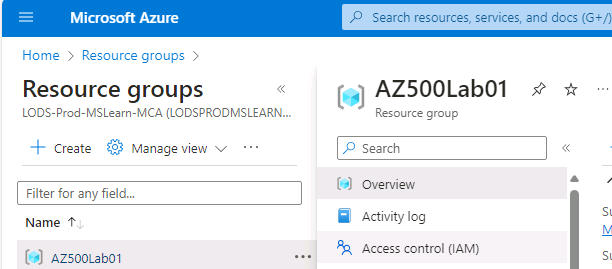
Select the resource group
Select IAM and click on add then add role assignment
Select the role and click on Next

Click on add members and select the group/member to get the role of Virtual Machine Contributor and click on review + assign.
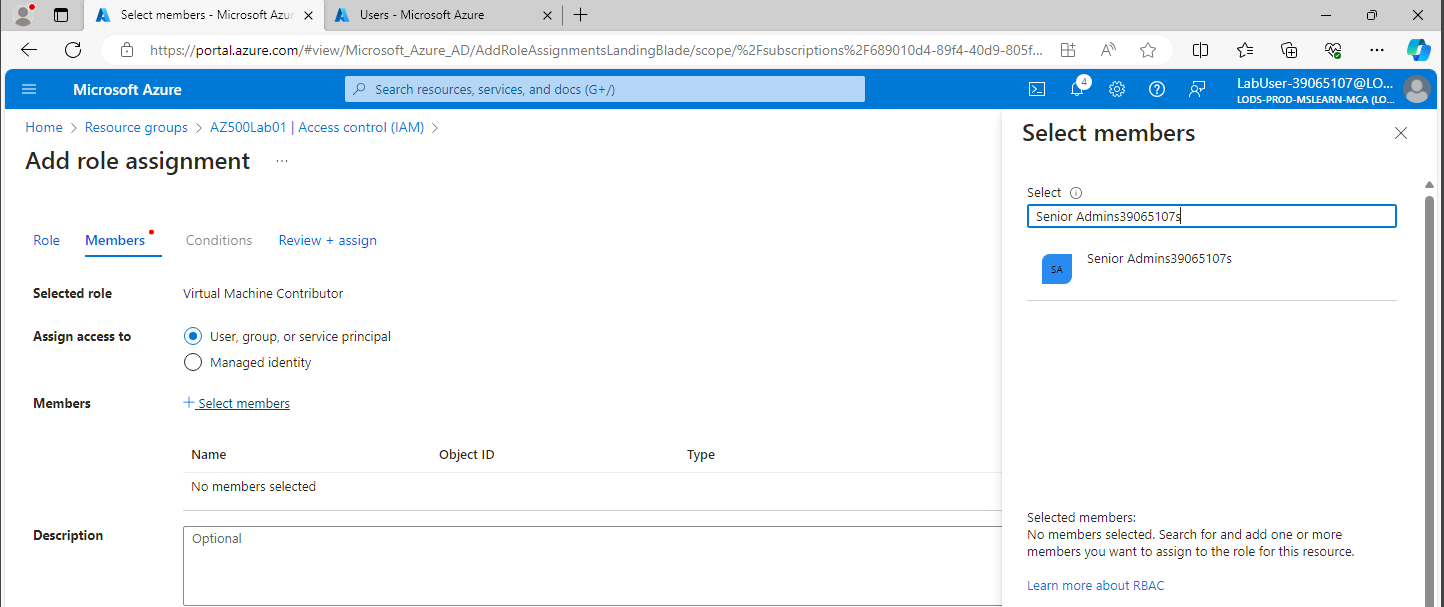
Conclusion: Members of the senior admin group have Virtual Machine Contributor roles.
Discover more from Information Security Blogs
Subscribe to get the latest posts sent to your email.
